Floats over everything
Your pet stays on top of every app, even full-screen ones. Drag it anywhere — it remembers its spot.
A pixel-art pet floats over all your apps. Click it and a quick-notes panel opens right there — type, and everything saves itself. No account, no tracking. Your notes stay on your computer.
Real screenshots
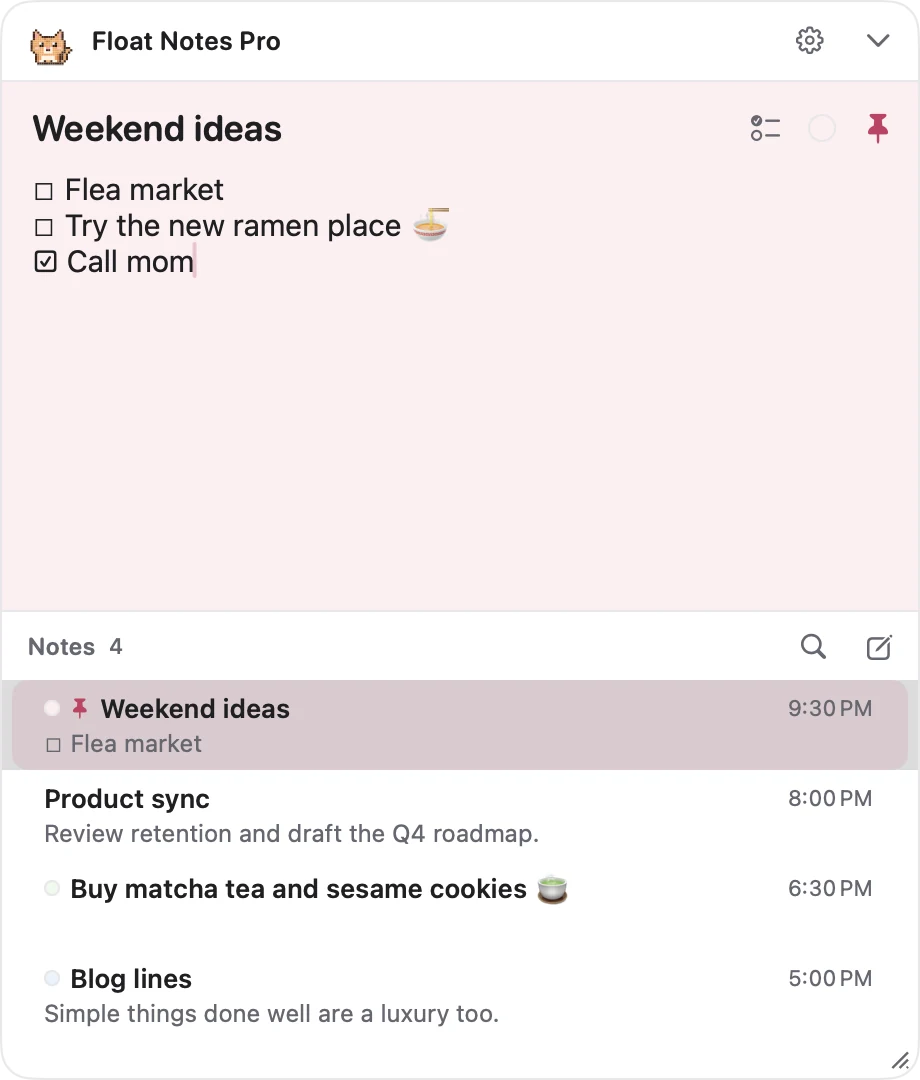
Titles, checklists, pastel colors, pins and search — and nothing you have to learn.
Features
Built to catch the thought before it's gone.
Your pet stays on top of every app, even full-screen ones. Drag it anywhere — it remembers its spot.
Click the pet and the panel opens right there. No Save button: every keystroke is kept.
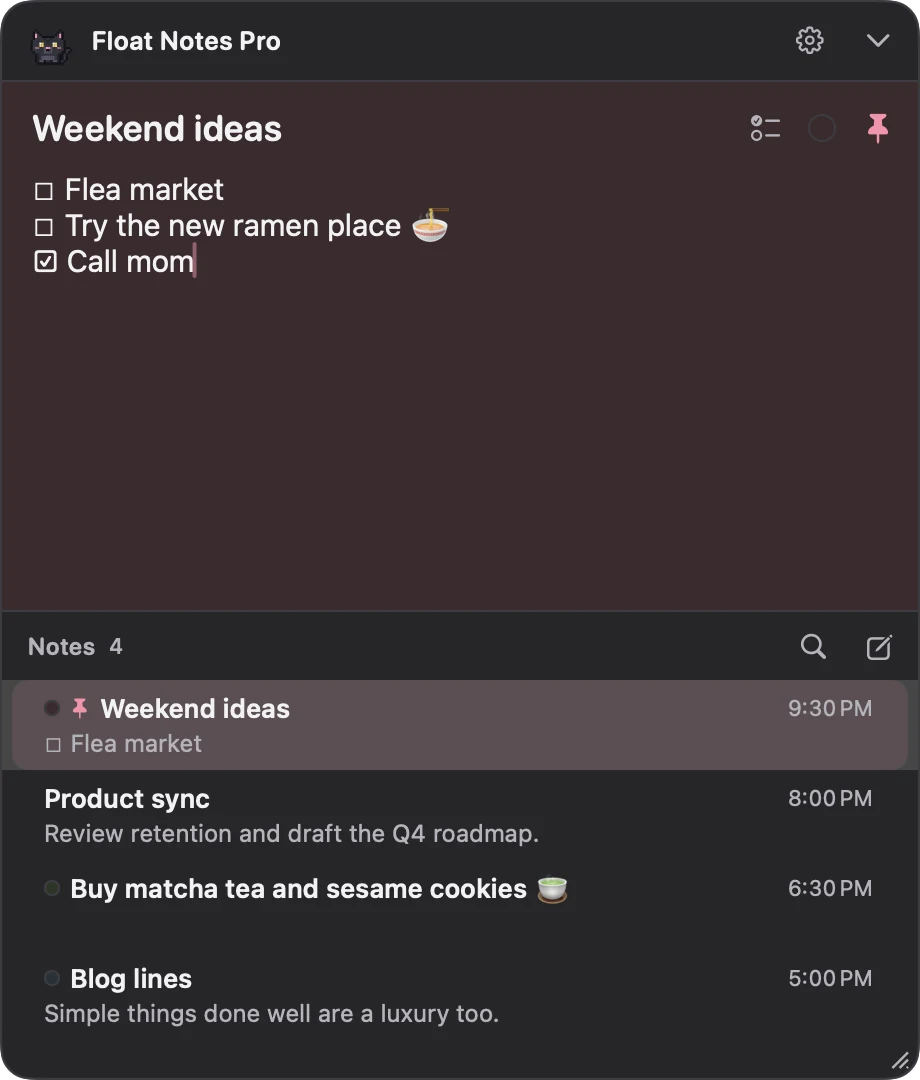
Insert a checkbox and press Enter: the list continues. Press Enter on an empty item to end it.
Give notes a title, a pastel color, and pin the important ones to the top. Search finds the rest.
⌃⌥N on Mac or Ctrl+Alt+N on Windows shows or hides your notes without touching the mouse.
No account, no ads, no analytics inside the app. Notes live on your computer with daily backups.
Meet the pets
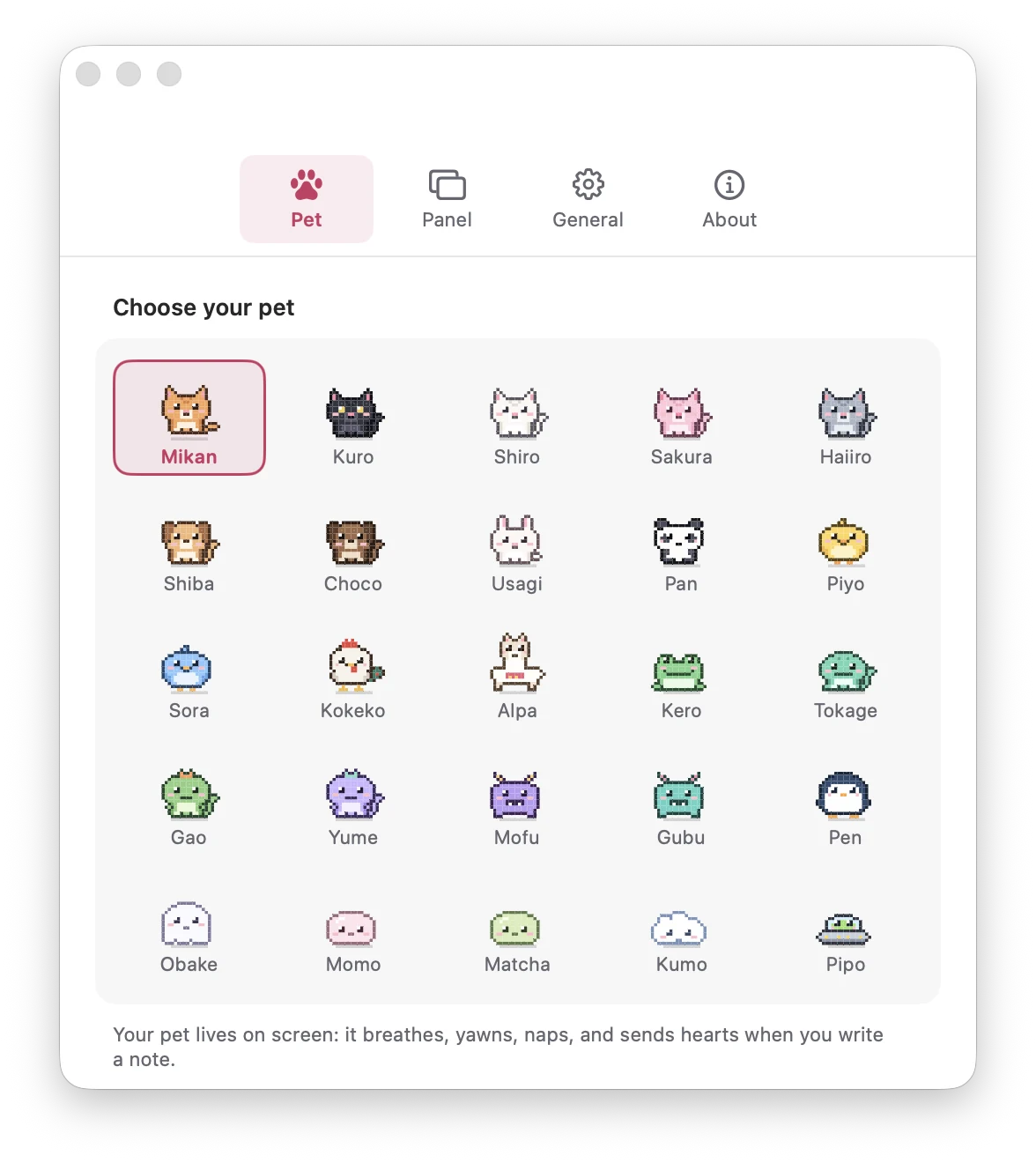
Cats, puppies, a capybara, dinos, ghosts, a UFO and more. They breathe, blink, yawn, nap when you're away, and send hearts when you write a note. Hover one to say hi.
How it works
Mac and Windows
| Mac | Windows | |
|---|---|---|
| Get it | Mac App Store | Direct installer (.exe) |
| Requirements | macOS 14 or later | Windows 10 or 11, x64 or ARM64 |
| Notes storage | App sandbox, daily backup | Local SQLite, daily backup |
| Sync | Optional, your private iCloud (also with the iPhone app) | Local only |
| Lives in | Menu bar | System tray |
| Starts at login | Optional | On by default (can be turned off) |
| Global shortcut | ⌃⌥N | Ctrl+Alt+N |
FAQ
A quick-notes app with a pixel-art pet that floats over all your apps. Click the pet to open your notes; click away and it goes back to being a tiny pet on your screen.
Yes. Float Notes Pro runs on Windows 10 and Windows 11 (x64 and ARM64) with the same pets, notes panel and shortcut. Download the installer from this page.
That SmartScreen notice appears for new apps that aren't widely downloaded yet. Click "More info" and then "Run anyway". The installer doesn't need administrator rights and only installs for your user.
On your computer. On Mac they live inside the app sandbox, with optional sync through your own private iCloud. On Windows they live in a local SQLite database in your user folder. Both versions keep a daily backup of the last 10 days.
No. There is no sign-up, no login and no server of ours involved. The app itself collects no data.
No. The pet is drawn at 4 frames per second, like a tamagotchi, and uses almost no CPU. You can also turn animations off or hide the pet.
Yes. Hide it from Settings or the right-click menu; your notes stay one shortcut away (⌃⌥N on Mac, Ctrl+Alt+N on Windows) or one click away in the menu bar / system tray.
Yes. Float Notes Pro for iPhone is included with the Mac purchase (Universal Purchase) and syncs through your private iCloud.
Yes. Copy any note as plain text or export it as a .txt file from its right-click menu.
Put a tiny pet on your screen and never lose a note again.